

Barcode Solutions for Crystal Reports
Add Code 128, GS1-128, Data Matrix, QR Code, PDF417 and more to reports, labels and templates with the Native Crystal Reports Generator, barcode fonts with Font Formulas, or QR Codes with an embedded logo.
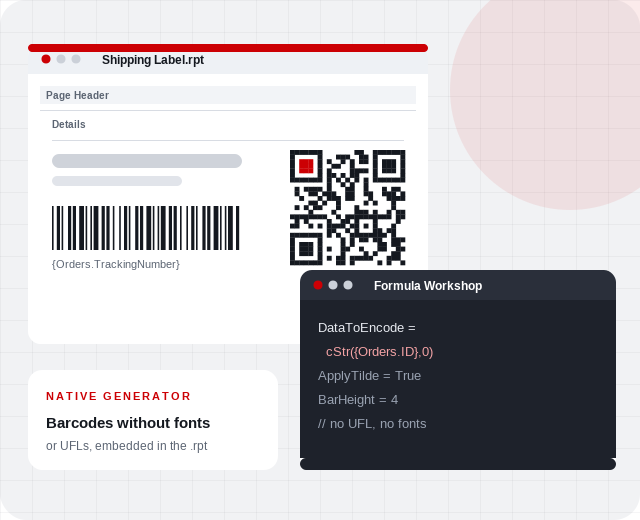
Crystal Reports Barcode Integration Guide

Crystal Reports is widely integrated across ERP and business platforms such as SAP Business One, Oracle E-Business Suite, Microsoft Dynamics, NetSuite, Salesforce, Sage, IBM DB2 and SQL Server. These integrations enable dynamic reporting, data visualization and export across enterprise environments.
Recommended barcode integration solutions
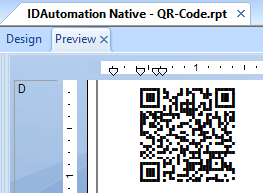 Native GenerationAn all-in-one object that embeds in the report. No fonts, no UFLs.Learn more →
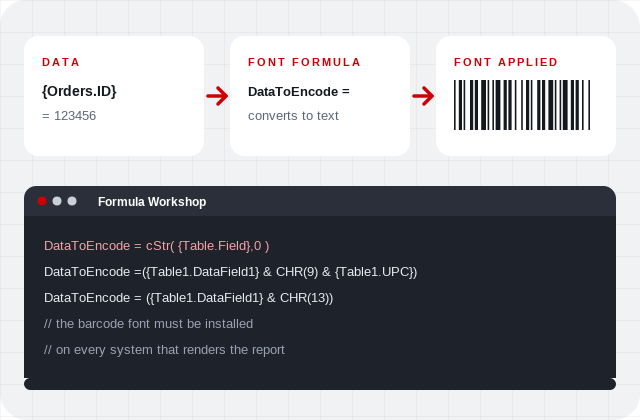 Barcode Font GenerationIDAutomation Barcode Fonts with imported Font Formulas.Learn more →
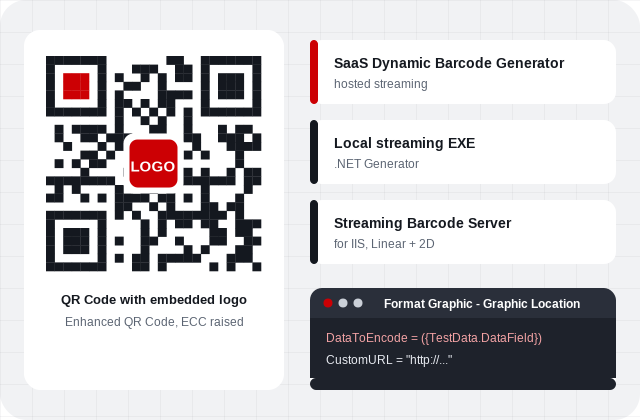 QR Code with LogoStream an Enhanced QR Code with a centered logo into a report.Learn more →
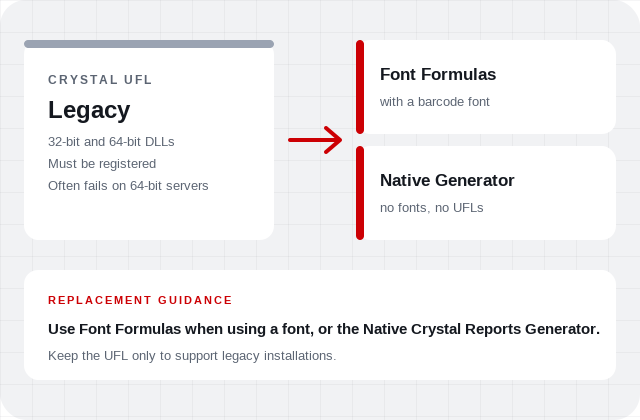 Crystal UFL (Legacy)Why the UFL is legacy and how to replace it.Learn more →
Three recommended implementations
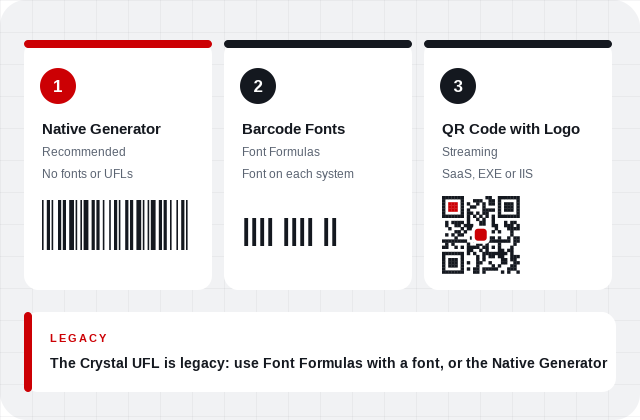
Choose by deployment: the Native Generator needs nothing on the client, fonts need installing, and the logo implementation streams an image.
- Native Generator: formula-based, works in PDF, Crystal Server and web servers
- Font Formulas: royalty-free source code with the font installed on each system
- QR Code with Logo: Crystal Reports 11 and later with SaaS, local EXE or IIS streaming
Quick answers
What is the easiest way to add barcodes to a Crystal Report?
The simplest method is the Native Barcode Generator from IDAutomation. It embeds directly into the report and does not require fonts or external components. Barcode fonts with Crystal Font Formulas also work, but the font must be installed on each system that generates the barcodes.
Is the Crystal UFL still recommended?
No. The Crystal UFL is considered legacy. Use the Font Formulas when using a font, or the Native Crystal Reports Generator.
Which versions of Crystal Reports are supported?
Crystal Reports 9 and up, through current editions and enterprise runtime servers.
Try the Native Crystal Reports Generator
Download the QR Code demo and open it in Crystal Reports.